
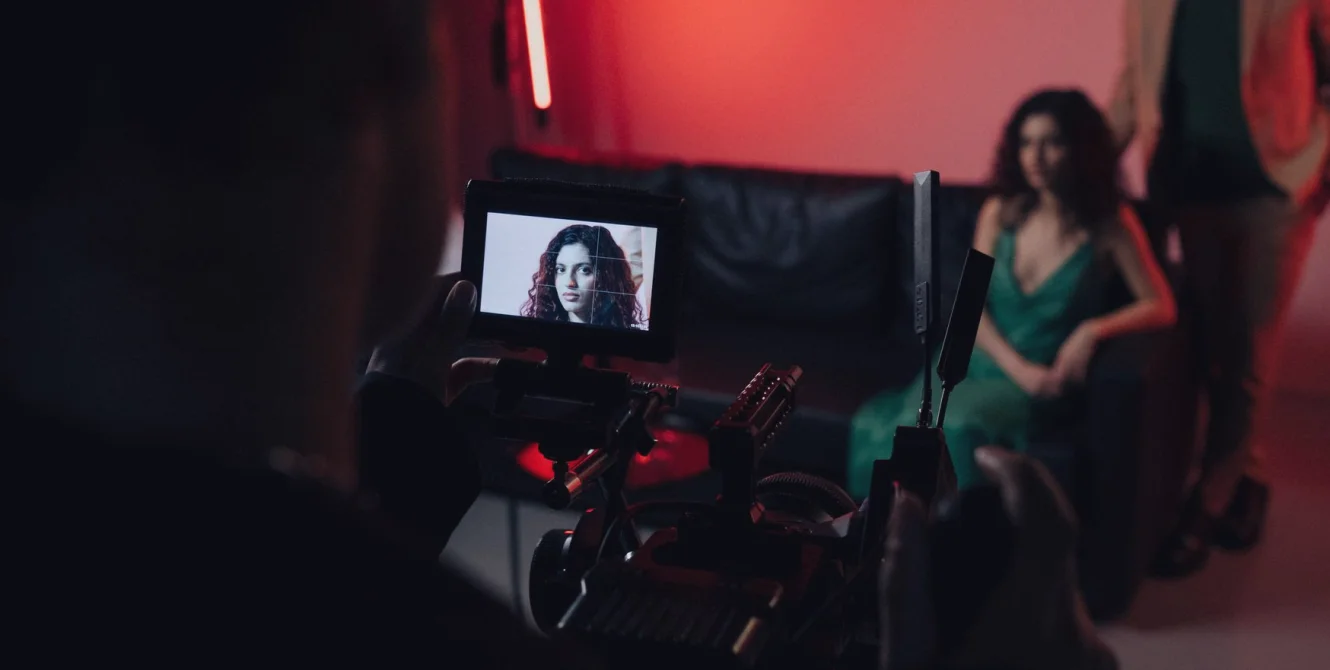
Setting Up Studio Talkback So Presenters and Crew Hear Each Other
A practical walk-through of intercom channels, earpiece fit and rehearsal checks, so directors, presenters and floor crew can hear each other clearly during a live programme.
Start with who needs to hear whom
Before anyone touches a cable, I draw a simple map of conversations. In a news studio the director must reach the presenter, the camera operators, the floor manager and the sound desk, but those people do not all need to hear each other at once. If every voice lands on one open line, the result is a constant murmur that tires the crew within an hour and hides the one instruction that matters.
Write the map on a single sheet. List each role down the side, then mark who listens to whom and who can speak back. This takes ten minutes at a desk and saves far longer on the floor, because every later decision about channels, beltpacks and earpieces follows from it.
Keep the list honest about how the show really runs. A weekday bulletin with two cameras has different needs from a live evening programme with a guest sofa and a remote link. Build the map for the programme you actually broadcast, not the largest one the room could theoretically host.
- Director to presenter, private and reliable
- Director to floor and camera crew
- Gallery producer to director only
- Sound desk to floor for mic checks
Building the channels
Most talkback systems let you assign several channels, and a small number is usually enough. I generally set up a production channel for the director and gallery, a floor channel that includes camera operators and the floor manager, and a presenter feed kept apart so that only deliberate cues reach the talent. Anything more elaborate has to be remembered under pressure, and crews rarely remember it.
Label every beltpack and every panel button in plain words. A strip of tape reading Floor or Presenter beats a code that only the person who installed it understands. When a freelance operator joins at short notice, they should be able to pick up a pack and understand it in seconds.
Decide early which channels are latching and which are momentary. Latching suits the director, who is speaking often. Momentary suits crew, who should not leave a microphone open by accident and broadcast a private remark to the whole gallery.
Earpieces, fit and presenter comfort
Presenters tolerate poor earpieces for about one rehearsal, then they quietly remove them. A single in-ear piece that sits properly, with a short cable routed under clothing and clipped at the collar, is far better than a loose fitting that slips every time they turn to a guest. Ask them to move as they will on air before you call it finished.
Level matters as much as fit. The feed should sit comfortably below the level at which they hear their own voice, otherwise they raise their delivery without knowing it. Set the programme return lower than the director's voice so that a cue cuts through without a shout.
Keep spare earpieces and fresh batteries in labelled pouches on the floor. A dead beltpack ten minutes before transmission is a common problem, and one that a small spares kit solves entirely.
- Test with the presenter seated and standing
- Check the feed after the microphone is clipped on
- Carry spare earpieces in a marked pouch
Microphone placement and what talkback bleeds into
Talkback and microphones interact more than people expect. A presenter's earpiece can leak into a lavalier clipped near the collar, producing a thin trace of the director's voice on air. Position the microphone on the opposite side of the chest from the earpiece cable where you can, and keep both clear of jewellery and fabric that rubs.
On the desk, check the room before you check the equipment. Hard surfaces and a bare glass table throw reflections into a desk microphone and make speech sound hollow. A mat or a slightly different angle often does more than any adjustment at the mixing desk.
Mix with talkback in mind. If the director speaks while a microphone is live, the sound engineer should know in advance which cues are routine so that nothing private reaches the broadcast path by mistake.
A rehearsal routine that finds the faults
Run a short check at the start of every session instead of trusting last week's settings. Walk the floor with the director on the line, call each person by name and ask for a reply. A silent beltpack or a crackling cable shows itself immediately, and fixing it takes a minute in an empty studio.
Then rehearse a bad moment on purpose. Ask the director to give a late cue while the presenter is mid-sentence, and listen for whether it is intelligible and whether it spills into the microphone. This is the situation that goes wrong on air, so it is the one to practise.
Finish by listening from the gallery to the programme output with the talkback in use. Many problems only reveal themselves when you hear the mix the audience hears, not the one the crew hears in their ears.
- Name check on every beltpack
- Late cue under a live microphone
- Final listen to the programme output
Keeping the system reliable week to week
Reliability in studio sound comes from routine more than from equipment. Coil cables the same way each time, return packs to a charging shelf, and keep a short written log of faults. After a month the log shows which cable or connector keeps failing, and you replace it before it fails on air.
Agree one person who owns the talkback system on each broadcast day. When responsibility is shared by everyone it belongs to nobody, and small problems wait until transmission. A named owner checks batteries, channel labels and spares as a matter of habit.
Review the channel map every few months. Crews change, shows grow and a layout that suited the original bulletin may no longer suit the programme as it now runs. A short revision keeps the system matched to the work.
Good talkback is plain and predictable. Map who needs to hear whom, keep the channels few and labelled, fit earpieces so presenters keep them in, and rehearse the awkward moments before they happen on air. None of this needs expensive equipment, only a habit of checking. If your studio's intercom feels crowded or unreliable, a short review of the channel map is usually the best place to begin.